
Google Analytics 4: What Bloggers and Content Creators Need to Know (Without the Headache)


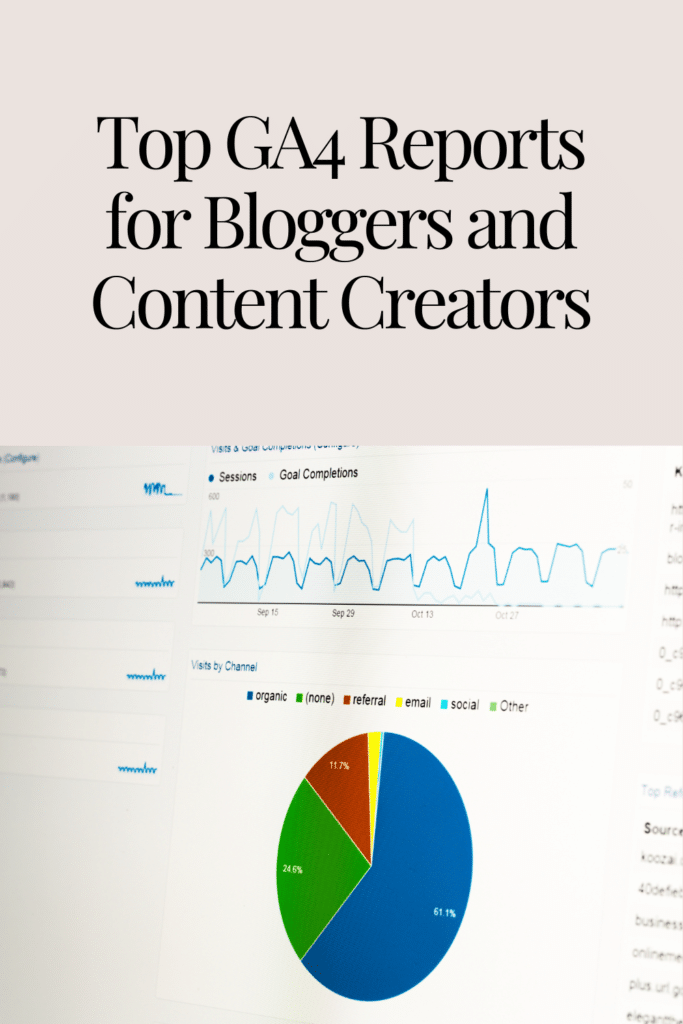

If you’re a content creator or blogger, chances are you’ve heard about Google Analytics 4 (GA4). It’s like Google Analytics but with a shiny, new coat of paint. And while it can feel a little overwhelming at first, don’t worry—I’m here to break it down into simple, snackable bits, minus the tech-speak headache.
Think of GA4 as your blog’s backstage pass to understanding your audience. It gives you insight into how people are interacting with your content, which pages make them say, “Wow!” and which ones make them hit the back button faster than you can say “bounce rate.”
In other words, it’s your all-in-one tool for making smarter decisions and creating content that truly connects with your audience.
So, let’s dive in and make sense of the important terms, the metrics you should care about, and the reports that’ll help you become the analytics wizard your blog deserves!
What is Google Analytics 4 and Why Should You Care?
First things first—what’s the big deal about GA4? Well, think of it as an upgrade from Universal Analytics (UA), but with a bit more muscle. It’s designed to give you deeper insights into your audience’s journey, especially now that people are hopping across devices like frogs on lily pads. Whether they’re checking out your content on their phones, tablets, or desktops, GA4 follows the trail and shows you what’s going on.
The coolest part? GA4 is all about events rather than pageviews, so you get a more detailed view of how users are interacting with your content—clicking buttons, watching videos, filling out forms, and more.
But let’s break down the essentials, starting with a few GA4 terms you should get cozy with.
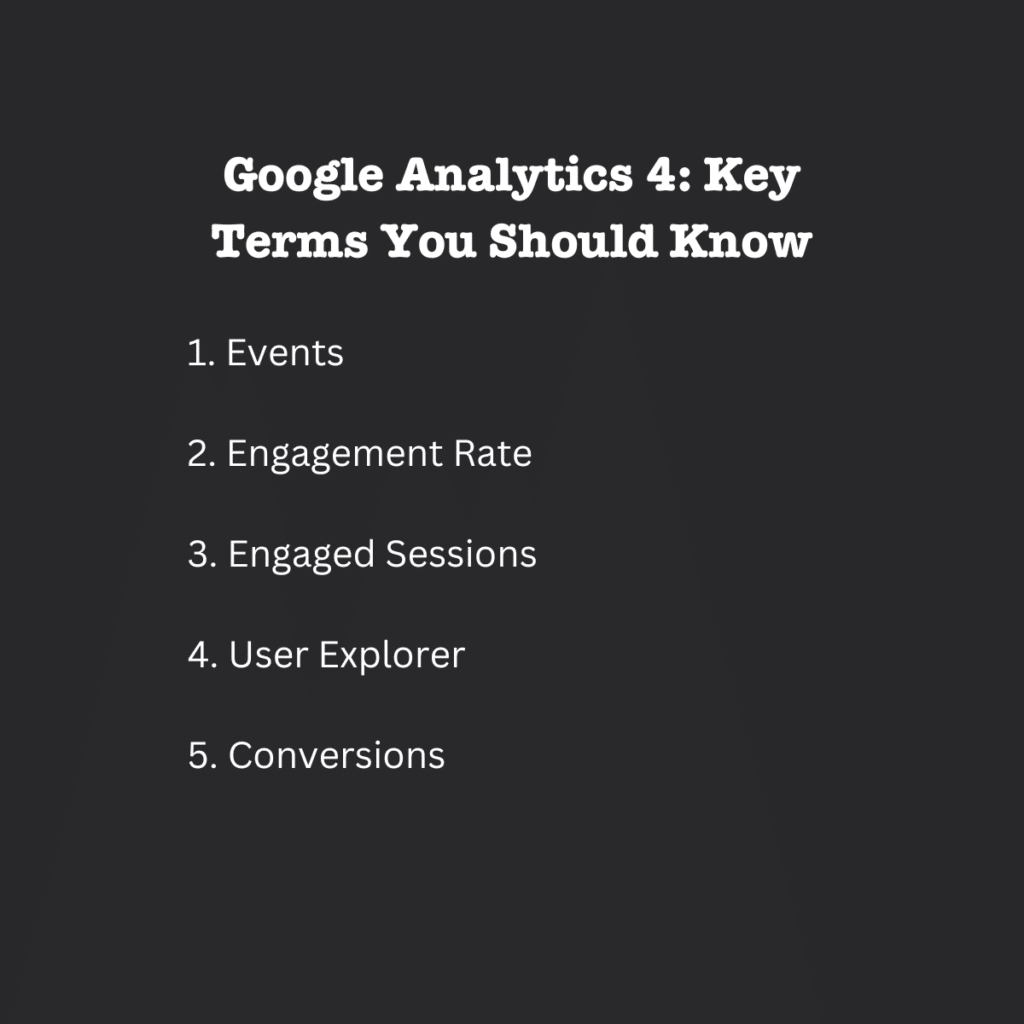
Google Analytics 4: Key Terms Every Blogger Should Know
1. Events
Forget about pageviews ruling your world—now it’s all about events. An event in GA4 is any interaction a user has with your website. Think clicks, downloads, video plays, and form submissions. If something’s happening on your site, it’s probably being tracked as an event.
Why It Matters: Events give you a more detailed view of what’s actually happening on your site, beyond just “someone visited my homepage.”
2. Engagement Rate
Move over, bounce rate. GA4 introduces engagement rate, which is all about quality over quantity. This metric measures the percentage of engaged sessions (more on those below) your site has, meaning how many visitors actually interacted with your content rather than quickly leaving.
Why It Matters: This tells you if your content is sticky enough to keep people engaged. Are they exploring your posts or bouncing away like rubber balls?
3. Engaged Sessions
Engaged sessions are those that last longer than 10 seconds, include at least one conversion event, or result in multiple page views. In other words, someone isn’t just skimming—they’re sticking around to see what you’ve got to offer.
Why It Matters: Engaged sessions help you figure out which content is truly resonating with your audience and keeping them on your site.
4. User Explorer
This GA4 tool gives you a peek at individual user journeys, showing how each visitor is interacting with your site over time. It’s like following digital breadcrumbs but less creepy.
Why It Matters: If you want to understand your audience’s behavior on a granular level—like what path they take from blog post to blog post—this is your go-to feature.
5. Conversions
In GA4, conversions aren’t just sales. They can be any important action you want your users to take—downloading an eBook, signing up for your newsletter, or even clicking a specific link. You can set up conversion events for anything you deem important.
Why It Matters: Tracking conversions helps you understand which content is driving action, so you can do more of what works and tweak what doesn’t.
The GA4 Metrics You Actually Need to Track
With so much data at your fingertips, it’s easy to get lost in the analytics maze. But not every metric matters for content creators and bloggers. Here’s what you should focus on:
1. User Acquisition
This report helps you understand where your visitors are coming from. Are they finding you through Google, social media, or direct links? Knowing where your traffic is coming from helps you focus your marketing efforts where they count.
Why It Matters: If Instagram is sending you loads of traffic but Pinterest isn’t, you know where to double down.
2. Active Users
This metric shows you how many people are actively engaging with your site over a period of time. Unlike pageviews, which could include repeat visits by the same user, active users give you a sense of how many unique individuals are truly connecting with your content.
Why It Matters: This is your real audience. It’s not about clicks; it’s about people.
3. Session Duration
Session duration tracks how long visitors are spending on your site. If they’re only sticking around for 10 seconds, that’s a sign something’s off (like a boring intro or slow load time). But if they’re hanging out for several minutes? Jackpot!
Why It Matters: It tells you if people are actually reading and enjoying your content or just bouncing away.
4. Engagement Rate
Yep, we mentioned this before, but it’s worth bringing up again. Engagement rate is your new best friend. High engagement rates mean your content is hitting the mark, while low rates are a signal to rethink your strategy.
Why It Matters: Content isn’t just about views—it’s about interactions. You want people to click, scroll, comment, and share.
5. Conversions
Whatever your goal—growing your email list, boosting affiliate link clicks, or getting people to sign up for a webinar—conversions are the end game. Tracking conversions helps you see how well your content is working to move people down the funnel.
Why It Matters: It’s the number that tells you if your blog is helping you hit your goals.
Top GA4 Reports for Bloggers and Content Creators
Once you’ve got a handle on the basic metrics, it’s time to dive into the reports that matter most. Here are the top GA4 reports you’ll want to keep an eye on:
1. Traffic Acquisition Report
This report shows you exactly where your traffic is coming from—whether it’s organic search, social media, or email marketing. You can break it down further by specific channels (e.g., Google vs. Facebook) to see what’s driving your success.
Why You’ll Love It: It helps you focus on what’s working and adjust strategies for what’s not.
2. Engagement Overview
This report gives you a high-level look at how users are interacting with your site, including metrics like page views, engaged sessions, and conversions.
Why You’ll Love It: It’s a snapshot of your blog’s overall health in terms of user engagement.
3. Pages and Screens Report
This one shows you which pages are getting the most attention. If certain blog posts are driving tons of traffic while others are getting crickets, it’s time to dig deeper and figure out what’s working.
Why You’ll Love It: It helps you optimize your content strategy by focusing on your top-performing posts.
4. User Acquisition Report
This is where you can get nerdy about where your new users are coming from. It’s great for seeing if your latest Instagram story or email blast sent new eyeballs to your site.
Why You’ll Love It: It helps you measure the effectiveness of specific marketing campaigns.
5. Conversion Report
This report breaks down the specific actions your visitors are taking—whether it’s signing up for your newsletter or making a purchase.
Why You’ll Love It: It tells you exactly what content is converting visitors into subscribers, customers, or fans.
Checklist: Setting Up GA4 for Success
Now that you’ve got the lay of the land, here’s how to get started with GA4 and make sure you’re tracking all the right stuff from the get-go.
1. Set Up Your GA4 Property
- Head to Google Analytics and set up a new property for your blog.
- Follow the prompts to get your tracking code.
- Install the tracking code on your website (or use Google Site Kit if you’re on WordPress to make it easy).
2. Define Your Key Events
- Identify the key actions you want to track (e.g., form submissions, video plays, or button clicks).
- Set up these actions as custom events in GA4 so you can track them as conversions.
3. Customize Your Reports
- Use the Exploration tool in GA4 to create custom reports tailored to your blog’s needs (like tracking specific pages or campaigns).
- Bookmark your favorite reports for easy access.
4. Monitor Engagement and Conversions
- Regularly check your Engagement Overview to see how users are interacting with your content.
- Set up conversion goals that align with your blog’s objectives (e.g., signing up for a newsletter or downloading a free resource).
GA4 is Your Blog’s Best Friend
If you’re serious about growing your blog or content creation business, GA4 isn’t just a nice-to-have—it’s a must-have. It tells you what’s working, what’s not, and where you should focus your energy for the best results.
By tracking key metrics like engagement rate, user acquisition, and conversions, you’ll gain the insights needed to optimize your content and turn casual visitors into loyal fans. And with reports like Traffic Acquisition and Pages and Screens, you’ll know exactly where your growth is coming from.
So, are you ready to make smarter content decisions? Dive into GA4, set up your custom events, and start seeing how your blog can really shine!


